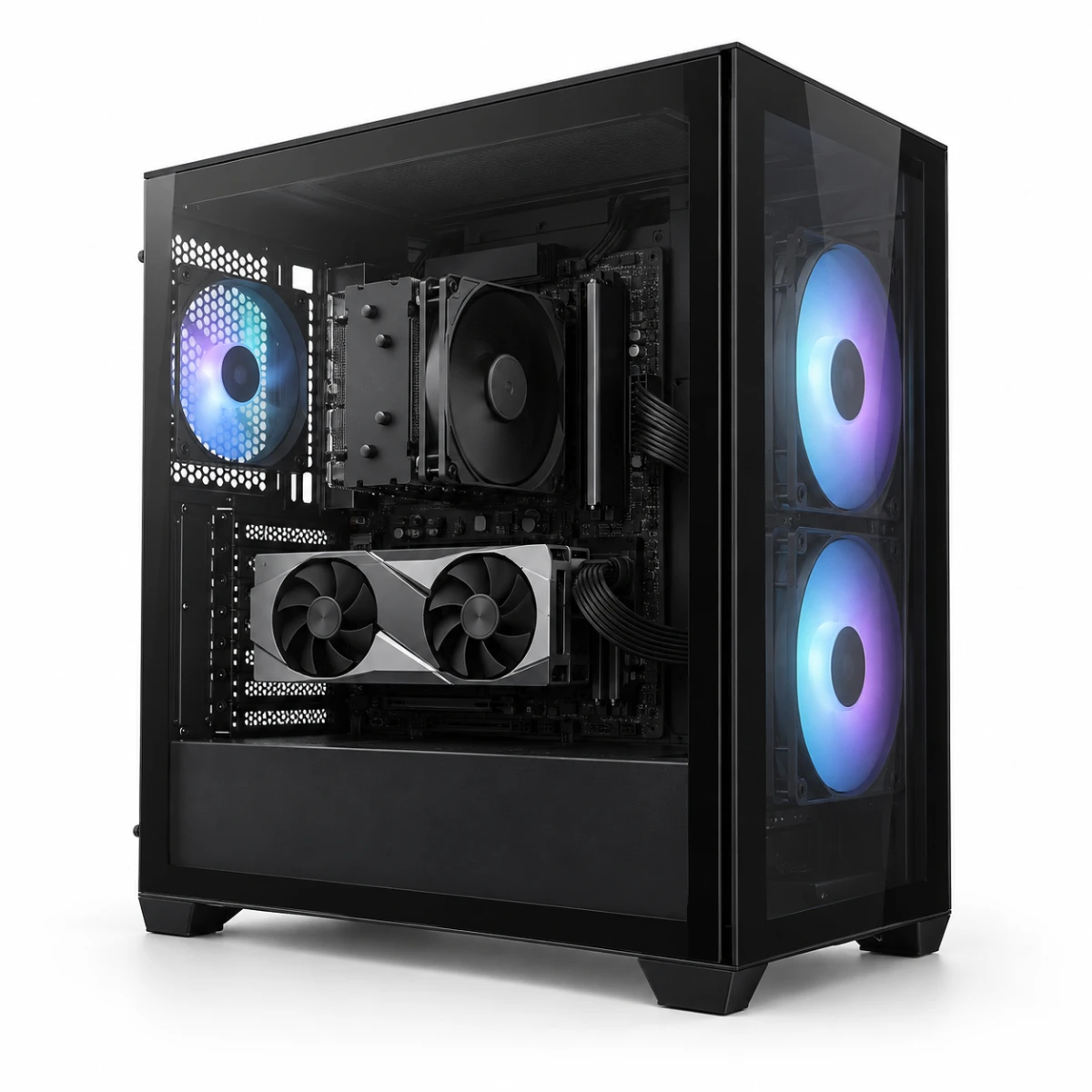
A budget can narrow the options, but also share your main games or applications and monitor resolution and refresh rate. State whether the budget covers only the tower or also the monitor and peripherals.
An office PC for documents and browsing may work with integrated graphics, while a gaming PC needs a CPU and graphics-card pair suited to the game and resolution. Check the complete parts list, including memory, SSD, power, and cooling.
It depends on the product. If the parts list or options do not mention an operating system, do not assume Windows is included. Confirm the version, license type, and installation charge before paying.
They are often sold separately. Treat only items shown in the package list as included, and check whether you also need a monitor cable, keyboard, mouse, or speakers.
Before connecting power, remove any protective packing inside the case and check for loose components or cables. Connect the monitor to the discrete graphics card, not the motherboard, and follow the instructions included with the shipment.
Whole-system support and individual component warranties may have different providers. Before buying, check the initial-defect period, return shipping charges, on-site or mail-in service, and keep the order record and component boxes.
No. Component supply and prices can change. Recheck the current bill of materials, price, and update date on the product page before paying.
Each game guide states its resolution, preset, benchmark source, and differences from the listed DecoLife configuration. The figures are conservative reference ranges, not direct measurements or a performance guarantee.